
Google Business Profile Optimization in Canada

10Div Team
10Div Team
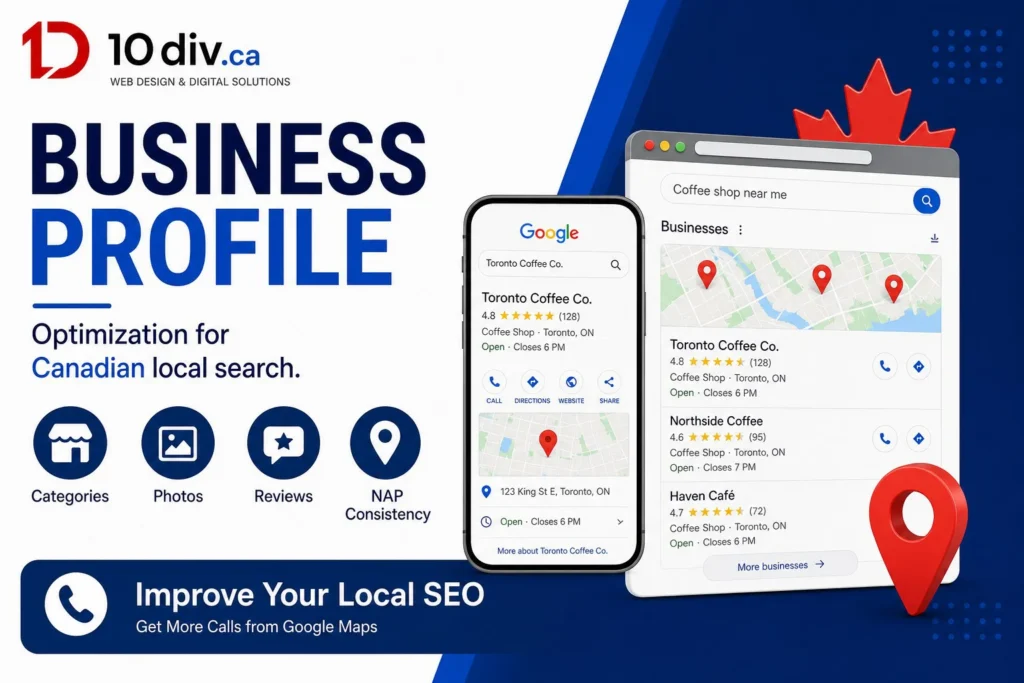
Google Business Profile optimization is still one of the highest-leverage local marketing jobs you can do without buying another tool. The profile feeds Maps, local results, and increasingly the business facts AI features repeat. A complete, accurate, active profile will not replace a good website — but a neglected profile will waste the website you already paid for. This guide goes beyond “claim your listing” into categories, services, photos, reviews, posts, and the website connection.
If you have not claimed the listing yet, start with our step-by-step Google Maps business listing guide. If you already exist on Maps and still lose the pack to competitors, stay here. Pair the work with local SEO in Canada so on-site NAP, city pages, and citations tell the same story.
Use the real business name. Keyword-stuffing the title is a policy risk and looks spammy next to clean competitors. Pick a primary category that matches how customers search, then secondary categories that are true. A web studio should not be “marketing agency / plumber / restaurant.” Wrong categories send the wrong queries and the wrong reviewers.
Service-area businesses must not fake a storefront. Use service areas Google allows and describe coverage on the website. Hours must include provincial holidays you actually close. A “open” listing that is not answering the phone trains Google and humans to distrust you.
| Field | Why it matters | Canada tip |
|---|---|---|
| Services | Matches queries and website pages | Mirror real service names, not jargon |
| Products | Useful for retail and some services | CAD, availability, photos |
| Attributes | Filters in Maps | Women-owned, wheelchair, etc. only if true |
| Description | Plain-language pitch | Include city/region naturally, no keyword soup |
Write the description like a human in your city. Mention what you do and where. Do not paste a blog post. Keep the website URL on the canonical HTTPS homepage or a dedicated location page — one primary destination, UTM optional for tracking, consistent across directories.
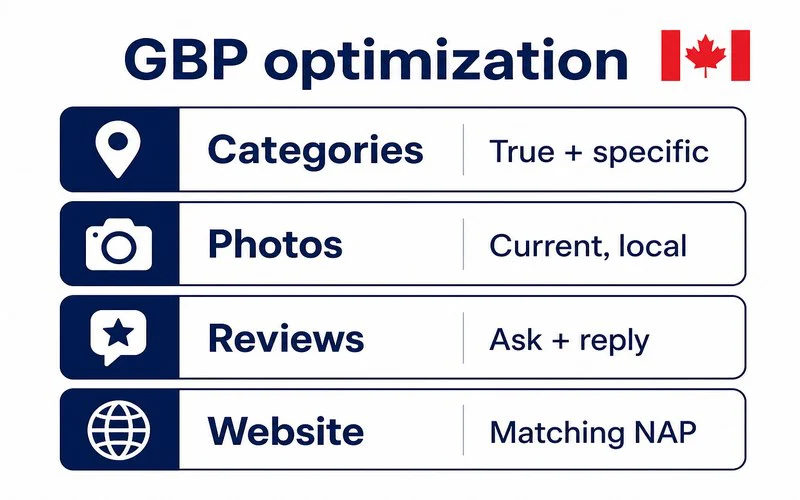
Listings with current photos earn more action. Upload exterior, team, jobs, and interior if you have a location. Geotags are not a trick; honest photos of real job sites beat stock. Refresh seasonally. Cover logos that hide the building. Add a short video of the shop or a project if you can do it without looking like a TV ad.
Cover and logo should match the website. Mixed brands confuse returning customers. Compress files enough to upload; Google will recompress anyway. Skip before-and-after spam collages that violate policies in health niches.
Review velocity in competitive Ontario and BC cities is a moat. A five-star profile with three reviews from 2021 loses to a 4.6 with steady 2026 reviews. Teach staff a simple ask. Owners who wait for “someone to handle reviews” wait forever.
Google posts expire; use them for genuine offers, hiring, or project highlights — not as a fake blog. Watch Q&A; competitors and customers will write there. Answer as the business. Messaging and call history in Insights tell you if hours and the primary category are working. If calls spike but the website forms do not, the site may be the weak link, not Maps.
Insights are directional. Combine them with Search Console and call tracking. When AI Overviews or local packs summarize your business, they often reuse GBP facts — another reason AI Overview readiness starts with a clean entity, not a trick file.
NAP, hours, service list, and city names should match. Schema on the site should not contradict the profile. If you have multiple locations, do not funnel every listing to a generic homepage with no local proof. This is operations, not a one-hour tweak.
10Div aligns WordPress location pages with Business Profiles as part of local SEO retainers. If your site still says the old suite number, fix that before you buy more reviews.
Hours and services whenever they change; photos monthly if you can; posts when you have something real to say; reviews continuously.
No. The profile wins discovery. The website wins the story, SEO content, and conversion paths GBP cannot host.
Only if it still displays as a real local number and you understand the trade-offs. NAP consistency still matters.
Proximity and relevance still matter, but in competitive cities reviews are practically required to win trust and clicks.
Mark them for review / merge and align citations. Duplicates split reviews and confuse hours.
We align Google Business Profile, citations, and your WordPress site for local search.

10Div Team
Creating a website is still one of the highest-return projects a…
10Div Team
Google AI Overviews are changing how Canadians find answers — and…
10Div Team
Shopify vs WordPress is one of the most common platform questions…