
How to Create a Website for Your Canadian Business

10Div Team
10Div Team
Creating a website is still one of the highest-return projects a your business can finish in 2026 — but the number of tools, hosts, and “done-for-you” offers can stall owners for months. This guide walks through a practical sequence: clarify the job of the site, register a domain, pick a platform, set up hosting, plan pages, design for mobile trust, build SEO in from day one, then launch with measurement. It is written for owners in cities like London, Toronto, Calgary, and Halifax who need leads and sales, not a digital brochure that never gets updated.
You do not need to become a developer. You do need decisions that match how people actually search and buy: Google.ca, Maps, mobile-first visits, and (for many firms) English and French. If you already have a site that is slow, outdated, or invisible locally, treat this as a rebuild checklist rather than a hobby project. When the site has to generate calls and quotes, a professional WordPress build usually beats a rushed DIY theme — see our web development services in Canada.
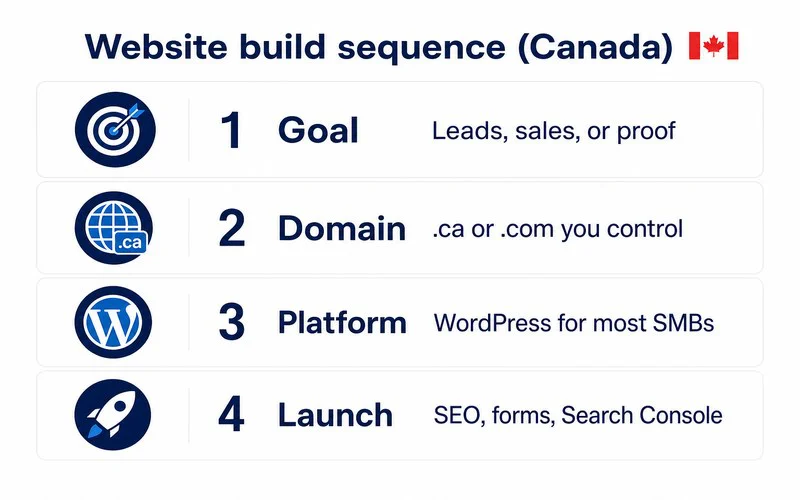
Before you open a builder, write one sentence: what should a first-time visitor do in the next two minutes? Book a call, request a quote, buy a product, or confirm you are the right local expert? That job shapes the homepage, the form, the phone number placement, and which pages you actually need. A contractor who needs emergency calls should not hide the number behind a chatbot. A B2B consultancy should not lead with a generic slider and no proof.
Also define the market. Serving nationwide is different from serving a 40 km radius around London, Ontario. Service-area businesses need city or region language, Google Business Profile alignment, and pages that match real coverage — not fifty thin “near me” clones. Product brands need shipping, tax, and returns copy that shoppers expect. Write the audience down; it prevents expensive redesigns later.
Pick a short, memorable domain you can say on the phone. for businesses that sell mainly here, a.ca TLD is a useful local signal and a trust cue. A.com still makes sense if you sell into the US or other markets. Many owners register both and point them at the same site. Avoid hyphens, invented spellings, and names that collide with a trademark search.
Buy the domain at a registrar you control — not locked inside a website-builder subscription you might leave. Set auto-renew, turn on registrar lock, and store the login where more than one person can find it. Lost domain access is one of the messiest “simple” problems we still see when companies try to migrate later.
| Platform | Best for | Watch-outs |
|---|---|---|
| Wix / Squarespace | Very small brochure sites, fast DIY | SEO and ownership limits as you grow |
| WordPress | Most typical SMB sites, content, flexibility | Needs hosting and maintenance |
| Shopify / WooCommerce | Product-led stores | Match the platform to merchandising vs content |
| Custom app | Unique workflows and portals | Longer build, clearer spec required |
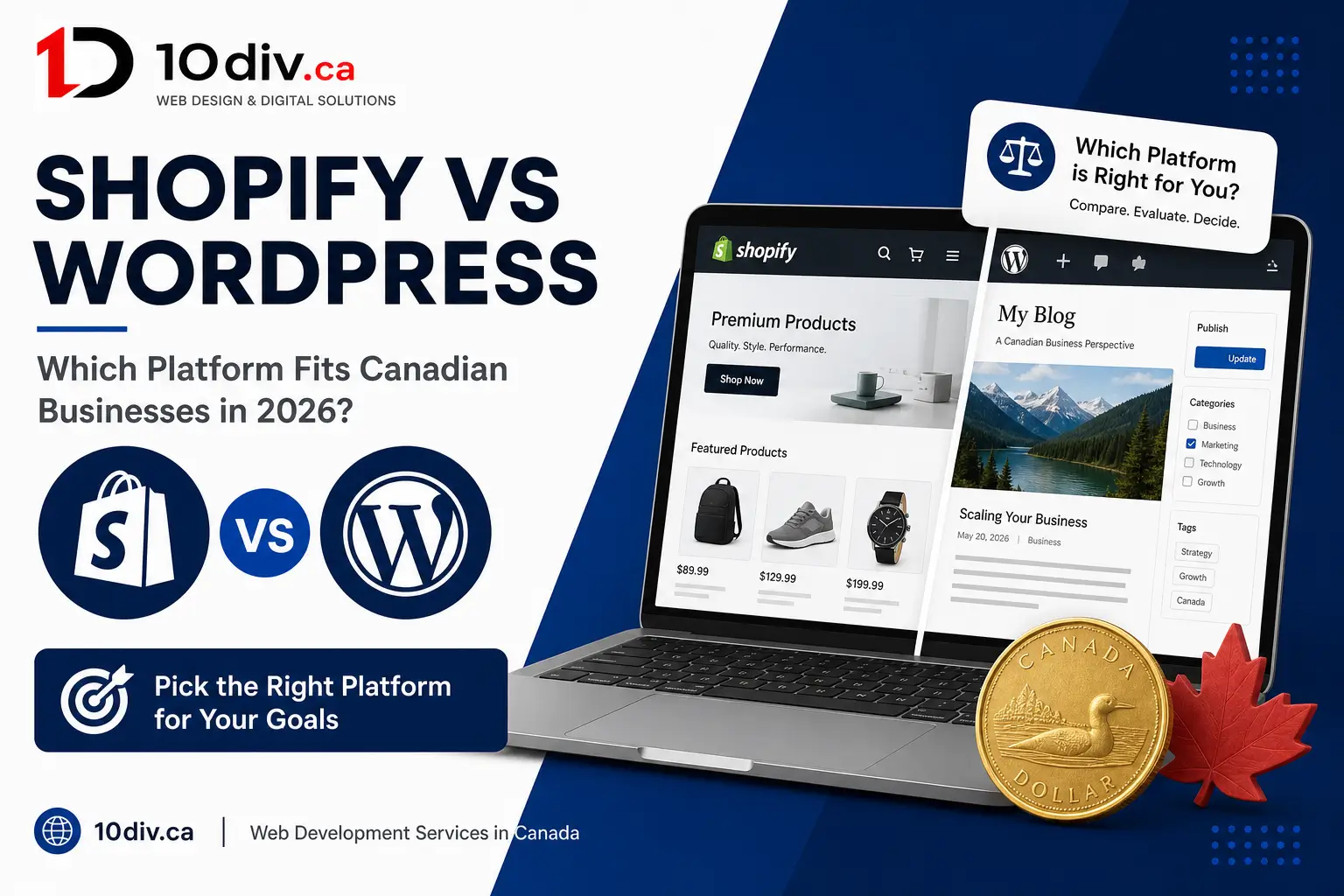
For most service businesses, WordPress is the durable default: you own the content, you can shape URLs and schema, and you can add booking, CRM, or bilingual layers without starting over. DIY builders are fine for a one-page placeholder. They become expensive when you need landing pages, local SEO, or a migration two years later. Compare options in our live guide Shopify vs WordPress for Canadian businesses if commerce is on the table.
If you choose WordPress, hosting is where the files live. Managed WordPress hosting is usually the sensible band for a business site: caching, backups, SSL, and updates are not hobbies. Shared hosting can work for a tiny brochure, then it becomes the reason Core Web Vitals fail. Put email on Google Workspace or Microsoft 365 with your domain — do not run business mail only from a random cPanel box.
Ask where the servers sit. Visitors in Ontario and Alberta benefit from North American data centres plus a CDN. Privacy-sensitive firms sometimes prefer local residency for customer data. Speed is not vanity: it is ranking, ads quality, and whether someone on LTE actually submits the form.
Write the copy before you obsess over animations. Empty pages at launch hurt more than a simpler layout. If you serve French-speaking customers, plan bilingual URLs and unique FR copy — a widget is not a strategy. See bilingual websites in Canada before you lock templates.
Most local discovery still happens on a phone. Design mobile-first: tap targets, readable type, sticky click-to-call for local services, and forms that do not fight autofill. Use real photos of your team or jobs when you can. Stock-only sites feel interchangeable. Keep contrast high and skip autoplay video in the hero if it wrecks Largest Contentful Paint.
Trust is specific: reviews with city names, associations, payment methods buyers know (Interac, Moneris, Stripe Canada), and an address or service area that matches Google Business Profile. Hide nothing important behind a cookie wall. Accessibility is part of design — AODA expectations matter for many Ontario organizations, and good structure helps everyone.
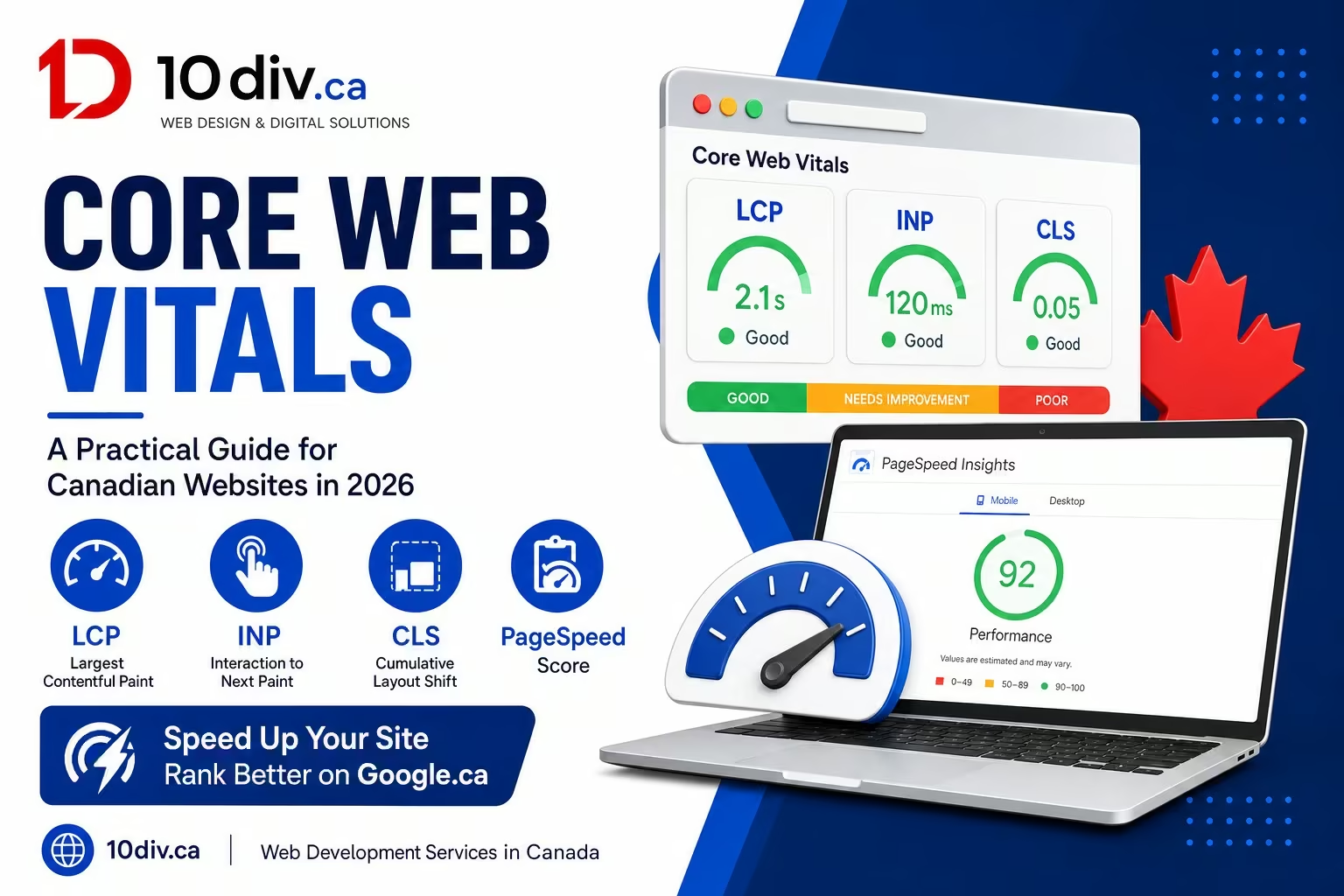
Clean URLs, unique titles, meta descriptions, and headings should be in the content model — not a sprint after launch. Compress images to modern formats, set width and height, and pick a theme that does not ship a megabyte of unused JavaScript. Our Core Web Vitals guide explains the metrics Google actually uses. Add LocalBusiness or Organization schema that matches visible NAP.
Internal links should point at live service and blog URLs, not leftover staging paths. Connect Search Console and Analytics before you announce the site. If local intent is the growth engine, pair the new site with local SEO in Canada and a maintained Google Business Profile.
Pre-launch: test forms on iOS and Android, 404s, HTTPS, redirects from old URLs, and the language toggle if you have one. Submit the XML sitemap. Check the homepage and top three service pages in an incognito window on a phone. After launch, watch calls, form fills, and branded search — not only vanity sessions.
A website is not finished at go-live. Plan monthly updates, backups, and a content cadence you can keep. If DIY has already consumed nights and weekends with a site that still does not convert, it is cheaper to hire a team than to keep restarting builders.
DIY is reasonable for a simple presence when your time is cheap and the stakes are low. The moment the site is a sales channel — quotes, bookings, ecommerce — craft, performance, and SEO compound. A professional WordPress project typically lands in a few weeks with a defined scope, not an open weekend forever. You still own content and can change agencies later if the stack is standard.
Ask for a written sitemap, hosting recommendation, redirect plan (if you are replacing an old site), and who handles security updates. Those questions separate a real build from a theme reskin. 10Div builds sites for local search, speed, and conversions — not just a pretty first screen.
A focused brochure site can launch in about two weeks once copy and photos are ready. A multi-page WordPress site with SEO, forms, and integrations more often takes two to eight weeks.
Use.ca when you mainly serve local customers and want a local signal. Use.com for broader markets. Many businesses register both and redirect one to the canonical site.
Yes for simple sites. If the website must generate leads or sales, a professional build usually pays back in performance, structure, and time saved.
Only if you will publish useful answers on a schedule. Empty blog indexes help no one. Service pages and local proof come first.
Goals, service list, service area, brand assets, examples you like, and access to the domain and Google accounts. That shortens discovery and keeps the build honest.
We design fast, SEO-ready WordPress sites for businesses — not digital business cards.

10Div Team
Google Business Profile optimization is still one of the highest-leverage local…
10Div Team
Shopify vs WordPress is one of the most common platform questions…

David Nguyen
Core Web Vitals sound like another Google acronym until your rankings…