
How to Create a Business Listing on Google Maps in 2026 (Step-by-Step Guide)

Kate Bairstow
Kate Bairstow
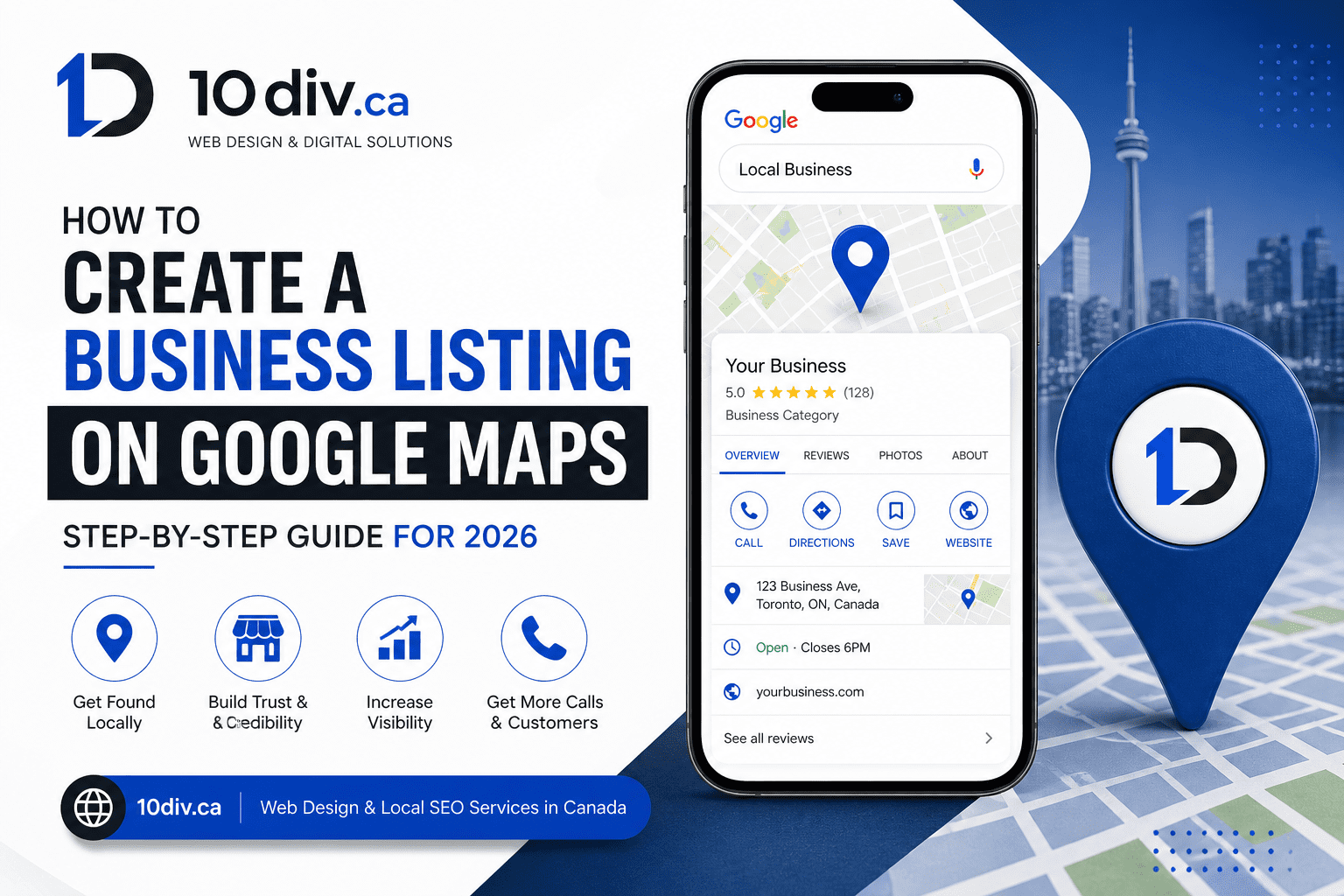
In today’s competitive digital landscape, having your business listed on Google Maps is essential. It acts as your online business card, helping customers easily find your location, contact details, and services.
If you want to attract more local customers in 2026, creating and optimizing your Google Maps listing is one of the smartest steps you can take.
A Google Maps business listing, also known as a Google Business Profile, is a free tool that allows your business to appear in Google Search and Maps.
When users search for services like “web developer near me” or “best restaurant in Ontario,” Google displays local listings—this is where your business shows up.
Sign in using your Google account. It’s recommended to use your business email for better management.
Enter your official business name. Avoid adding extra keywords, as this can violate Google guidelines.
Add your business address and ensure the map pin is accurate. If you offer services at customer locations, you can hide your address.
Select the most relevant category for your business. This helps Google understand your services and improves your ranking.
Include:
Verification options include:
Once verified, your business will be visible on Google Maps.
After creating your listing, optimization is key to getting results.
Creating a Google Maps business listing is one of the most effective ways to grow your local presence in 2026. It helps customers find, trust, and connect with your business instantly.
If you haven’t created your listing yet, now is the perfect time to start.


10Div Team
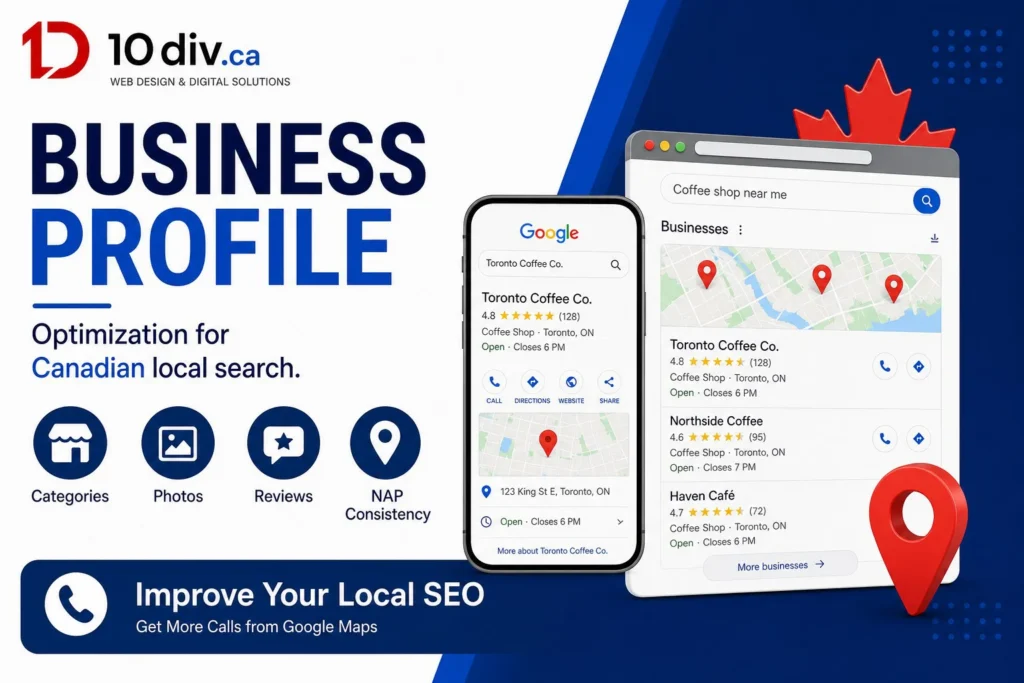
Google Business Profile optimization is still one of the highest-leverage local…
10Div Team
Google AI Overviews are changing how Canadians find answers — and…
10Div Team
If you run a business in Canada and send promotional emails,…